
Fractal Home
Fractal Branches
Move the circles to create a new fractal branch with given basic branches and angles. The two branch lines ending with the red circles should be shorter than the tribe line.
Construction of Fractal Branches
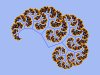
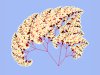
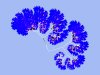
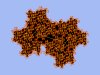
The fork construction starts with two branches, growing from one common point. The length of the first branches are given by the defined distances betweeen the white and red circles and shrink linearly with every step. The actual length is also varied at random, according to a given variation width. The construction is continued that way to an iteration depth of 12. The branches are colored in 2 different colors, depending on the iteration step. Doing this creates aesthetic looking "plants". Because drawing runs recursively, every branch is drawn with all his smaller twigs before the next branch appears. People can hardly imagine how such simple principles are able to form this wonderful trees and spirals.
Watch the Pythagoras Tree, too.
- Little Fractal Branches Gallery
- Move mouse over a thumbnail and click.
-
-
-
-
- Move mouse over a thumbnail and click.
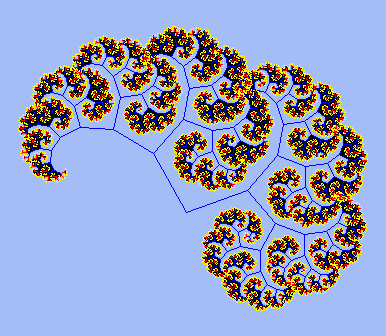


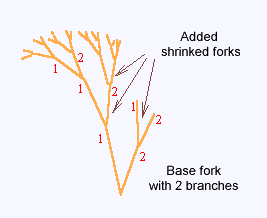
Construction of fractal branches
Thanks
to Eric Rowell for KineticJS. The library was used to
create the interactions with the fractal tree.
The source code for the tree is turtle.js,
and you'll need the script embedded in the HTML page.